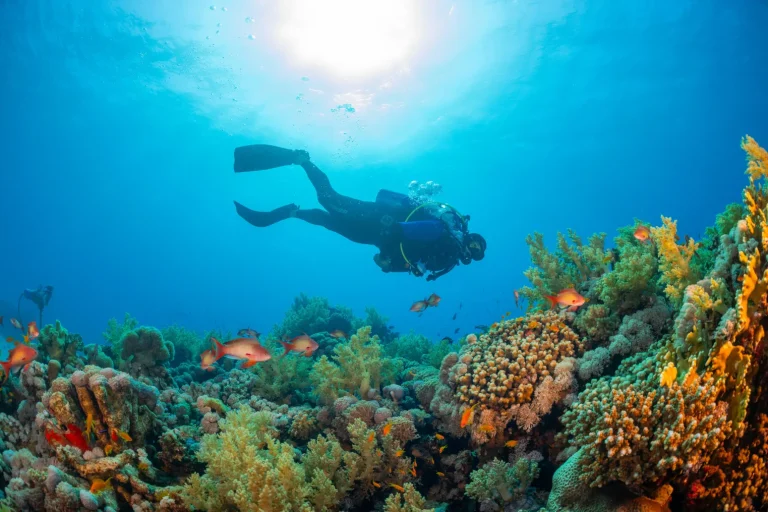
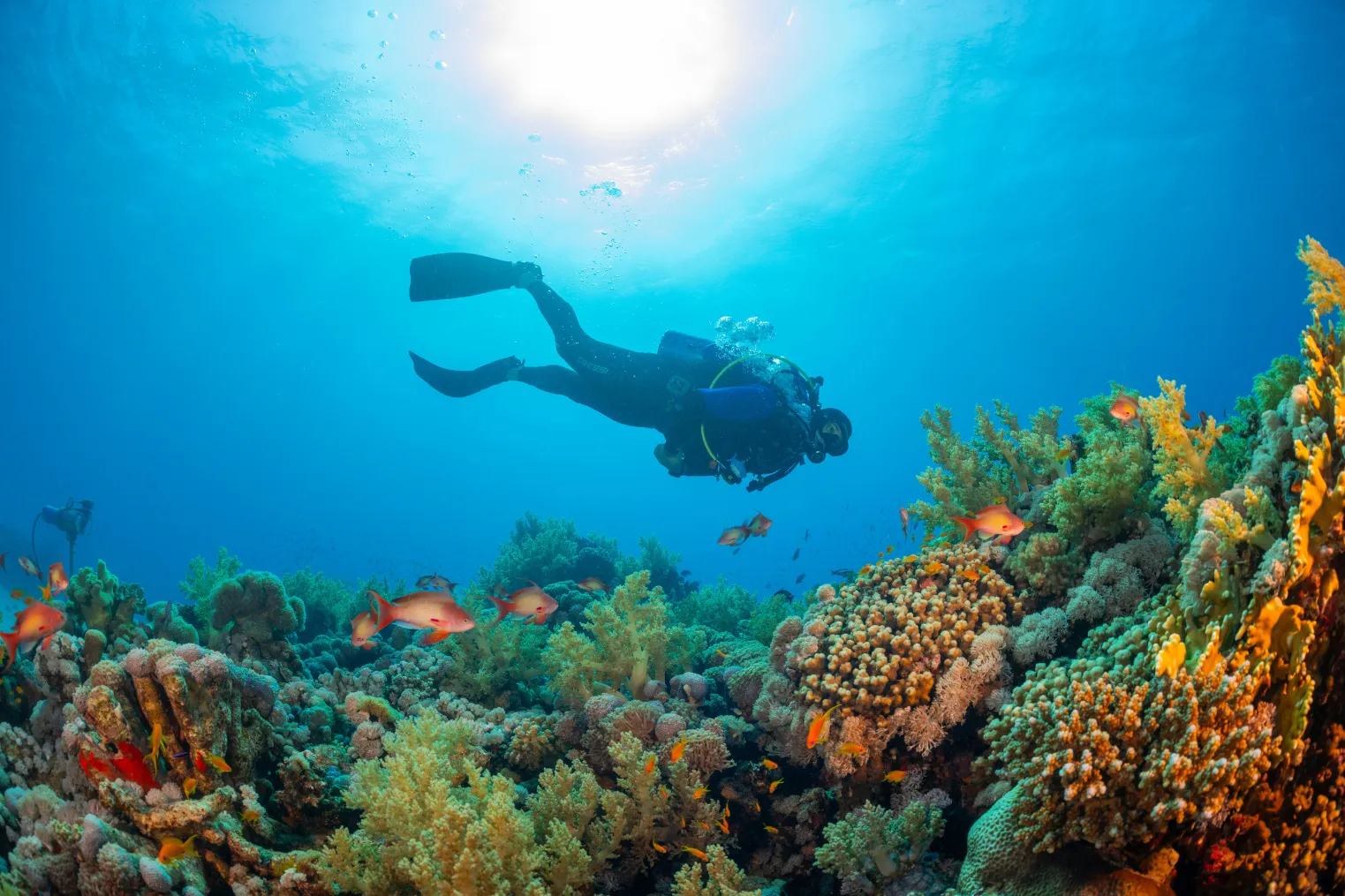
When you drop into Hawaii’s clear blue water, your GoPro can either catch the reef’s neon fish and lava ledges or turn them into a flat green blur. A few smart settings change everything. You’ll need to think about white balance, frame rate, filters, and battery life before the boat even leaves the harbor. Get those right, and your footage starts to match what you actually saw below the surface.
Key Takeaways
- Shoot 4K/60fps for sharp footage and smooth 50% slow motion; use 120fps only for fast action or quarter-speed clips.
- Set ISO around 100–1600, use high bitrate, and enable HyperSmooth with the wide lens for stable, detailed reef footage.
- Lock white balance at about 5500K near the surface, then raise it to 6000–6500K deeper than 30 feet.
- Use a red filter in blue Hawaiian water, or a dive light, to restore lost warm tones at depth.
- Prevent failures underwater by testing settings topside, using anti-fog inserts, checking O-rings, and bringing spare batteries and V30 microSD cards.
Use These GoPro Video Settings for Hawaii
Usually, the best GoPro setup for scuba diving in Hawaii starts simple and strong: shoot in 4K at 60fps with the Wide lens and HyperSmooth on. That combo keeps reef fish crisp and gives you smooth slow motion when a turtle glides past lava ledges. In ProTune, set bit rate to High, ISO to 100/1600, Sharpness High, and Color GoPro for punchy footage in clear Underwater light. Keep White Balance on Auto near the surface, and use your mics on Auto too. To avoid blurry clips caused by GoPro fogging, add anti-fog inserts and seal the housing in a cool, dry place before your dive. Pack at least three batteries because warm boat rides and long drifts drain power faster than you’d think. If your laptop groans at big files, switch to 1080p/30. For long swims, try TimeWarp at 4K, 15x to 30x, with 1x zoom onboard.
Pick the Right GoPro White Balance Underwater
Why does white balance matter so much underwater in Hawaii? Because water strips away reds fast, even over bright reefs. Near the surface, where Hawaiian water stays clear and sunny, set your GoPro around 5500K to keep coral, lava rock, and fish looking warm and real. Oahu’s seasonal visibility can change how much natural color and contrast your camera captures from one dive to the next. Once you drop past about 10 m or 30 ft, push white balance higher, around 6000 to 6500K, or use your camera’s maximum setting. A red filter or red-correcting preset can help too.
Don’t trust auto white balance for full clips. It often shifts color mid-scene. Use White Balance Lock if your GoPro has it, or choose a fixed Kelvin value. Bring a grey card or red patch, shoot a quick test at depth, and dial it in there.
Choose FPS, Color Profile, and Resolution
Once your white balance is locked in, your next big call is how smooth, sharp, and flexible you want your Hawaii scuba footage to be. For crisp Underwater Video, set your GoPro Hero to 4K at 60 fps. You’ll keep rich detail in lava ledges and reef fish, plus get clean 50% slow motion. These beginner photo tips also help first-time Oahu divers choose settings that balance ease of use with strong image quality.
| Setting | Why it works |
|---|---|
| 4K/60 fps | Sharp footage with useful slow motion |
| Flat or GoPro color | Flat grades better, GoPro shares fast |
If you need quarter speed, jump to 120 fps, but expect bigger files. Use High bitrate and keep Hypersmooth on for surge and fin kicks. Set ISO around 100/1600, or lower if light cooperates. That combo gives you Best GoPro footage with less noise and steadier highlights.
Set GoPro Photo, Time Lapse, and TimeWarp Modes
While video does the heavy lifting on a Hawaii dive, Photo, Time Lapse, and TimeWarp modes help you catch the moments that move differently. For underwater photography, switch to Wide, shoot RAW or SuperPhoto, and keep ProTune at ISO 100 to 1600, Sharpness High, and Color GoPro. Use Auto white balance near the surface, then lock around 5500K or higher as you descend to tame blue shifts. In low-light underwater video, raising ISO carefully and using steady movement can help preserve detail during deeper or dusk Hawaii dives. For time lapse, choose 4K, Wide, Video format, Zoom 1x, and a 0.5 to 1 second interval when fish start showing off. For TimeWarp, record in 4K Wide at 15x to 30x speed with Zoom 1x. Turn on High Bit Rate, leave mics on Auto, and test each mode topside first before that manta ray flies past again.
Prep Batteries, Housing, SD Cards, and Filters
Pack your GoPro kit like it’s part of your dive plan, because Hawaii’s clear blue water can turn unforgiving fast when a battery dies or a housing leaks. Bring three fully charged spares, especially if you shoot 4K/60, 4K/120, or TimeWarp, since newer models chew through battery life. Stash extras in a dry bag between dives. Check your housing, clean and lightly lube the O-rings, add anti-fog inserts, and do a leak test before you hear the boat ladder splash. Use a UHS-I V30 microSD card, ideally 256GB to 1TB, so your Settings for Underwater record smoothly. Pack filters too: red for blue water, magenta for green, plus a dive light. Keep a lens cloth and silica packs handy. If you’re bringing a phone as a backup camera, choose one of the top underwater phone cases suitable for beginner scuba use.
Frequently Asked Questions
Can I Bring a Gopro on Every Hawaii Scuba Tour?
Not always, you can bring a GoPro on Hawaii tours, but you must check camera policies, ask about permit requirements, and consider airline restrictions before packing, since some operators restrict cameras on night or specialty dives.
How Do I Avoid Disturbing Marine Life While Filming?
Want calm encounters? You avoid disturbing marine life by using Gentle movements, Maintain distance, and practicing No feeding. You’ll mute beeps, angle lights away, watch stress cues, and back off fast when animals seem uneasy.
What Gopro Mounts Work Best for Scuba Diving?
Choose a chest harness for stable, hands-free shots, a wrist mount for precise close-ups, and a suction cup for fixed POV angles. You’ll get versatile footage if you add a floating selfie stick or tray.
How Can I Reduce Backscatter in Underwater Footage?
You’ll reduce backscatter by shooting close, angling lights off-axis, hovering above sediment, and finning gently. Skip Polarizing filters underwater; use Red removal for color, and avoid Slow shutter settings that blur suspended particles around you.
Should I Use Anti-Fog Inserts Inside the Gopro Housing?
Yes, you should use anti-fog inserts inside your GoPro housing; they improve humidity control. Follow placement tips: keep tabs off the lens and battery door, replace them daily, and avoid sealing after lens heating in heat.
Conclusion
Dial in these settings and you’ll bring Hawaii home the way it felt. Blue water turns silky instead of muddy. Reef colors wake up. A turtle glides past like a quiet little submarine. You hear bubbles hiss, fins swish, and your own breath keeping time. Pack spare batteries, fast cards, anti-fog inserts, and a filter before you roll to the boat ramp. Then drop in, stay curious, and let the Pacific put on its bright underwater show.